SAIFI WALLET / Payments
A clearer way to pay.
Explore payment services, their details and the steps to use them.
Explore this service SAIFI WALLET
01 / ABOUT THE SERVICE
Payments
Explore payment services in one place. Choose the service you need and review its details and steps before confirming a transaction.
02 / CHOOSE YOUR SERVICE
Your options.
At your pace.
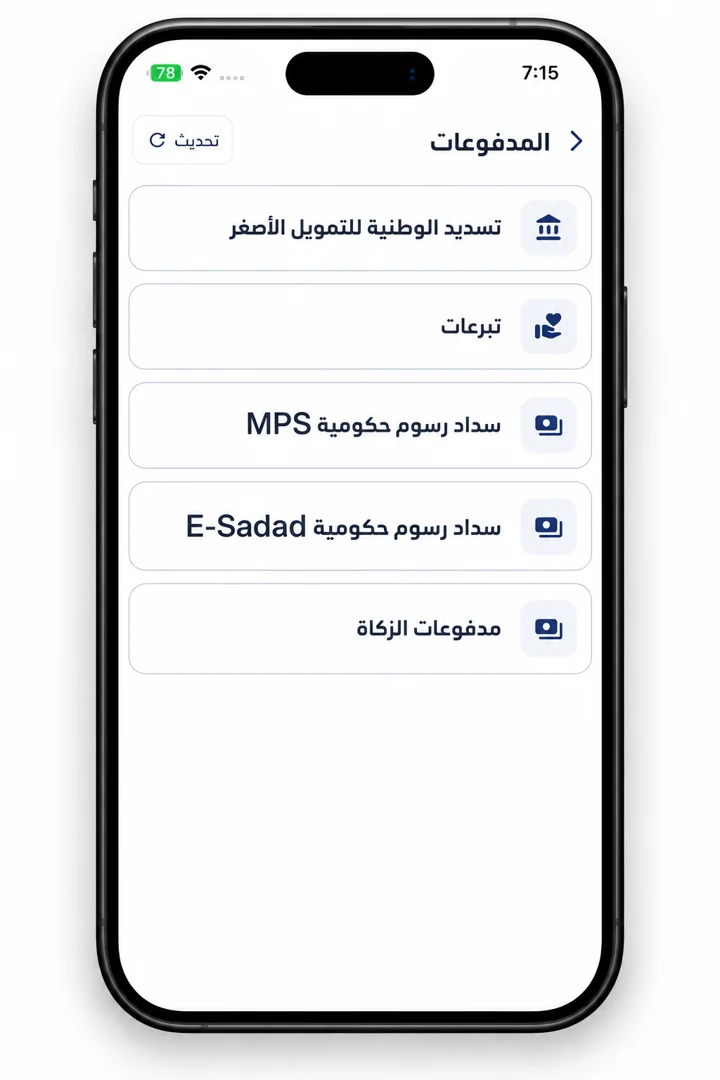
National Microfinance Payment
Wataniya Microfinance installments Manage your Wataniya Microfinance installments with greater ease through SAIFI Digital Wallet Select your payment service, enter the amount and complete your payment seamlessly while staying informed and in control of your financial commitments.
Donations
Donations Support charitable organizations and initiatives through a simple and transparent digital donation process SAIFI Wallet provides clear donation details helping you give with confidence and keep track of your contribution.
Government Fees Payment
Government Fees Payment Skip the hassle of traditional payments. Pay your government fees digitally through SAIFI Wallet complete your official transactions in a few simple steps, and easily keep track of your payment details.
Government Fees Payment E‑Sadad
Government Fees Payment E-Sadad Pay your government fees through E-Sadad with SAIFI Complete your payment in just a few simple steps, review your transaction details, and stay on top of your official payments all from one place.
Zakat Payments
Zakat Payments Fulfill your Zakat through a clear and secure digital experience with SAIFI Digital Wallet Your contribution is directed to approved organizations, while detailed transaction information keeps you informed and confident throughout the process.
02 / STEP BY STEP
See each step.
Then find your way.
Choose a step to read the guide and explore the service experience.
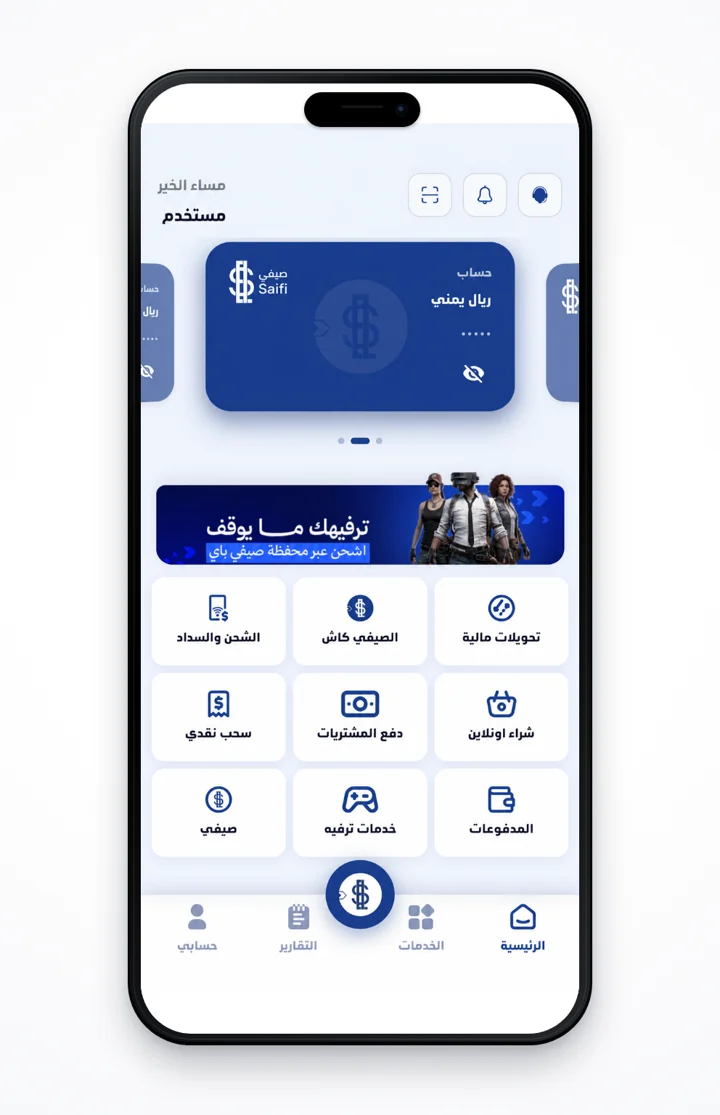
01 / 03From the Home screen, select Payments
Select Al NMF

02 / 03Select Al NMF
Enter the reference number and amount, then tap Continue
03 / 03Enter the reference number and amount, then tap Continue
03 / BEFORE YOU BEGIN
A few things
worth knowing.
01Where can I find the service steps?
+
Explore the service guide above. Contact support if you need help using the app.
02How can I check fees and availability?
+
Review the details shown in the app before confirming a transaction. Contact support for fees and limits for a specific service.



SAIFI WALLET / ALWAYS WITHIN REACH
A clearer next step.
Explore the guide or talk to our support team.